Complete Guide: Self Host S3 Object Storage with Minio & Docker
Cloud storage bills piling up? Discover how to take control of your data by hosting your own S3-compatible object storage. We break down the exact Docker Compose setup we use to run high-performance storage servers, helping you cut costs and eliminate vendor lock-in.
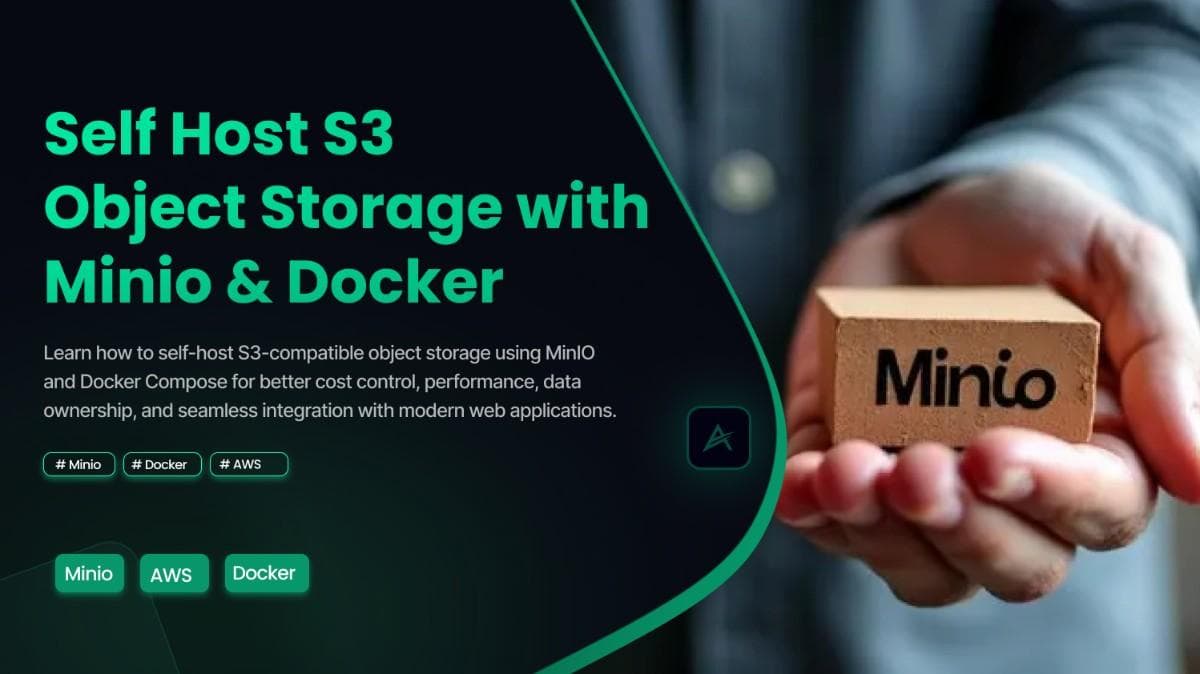
In the world of modern web development, "S3" has become synonymous with "file storage." Whether you are handling user uploads, storing backups, or serving media assets, object storage is the industry standard. But for many developers and startups, the default choice AWS S3 comes with unpredictable costs, privacy concerns, and vendor lock-in.
At Asynx Devs, we believe in the power of open-source and owning your infrastructure. While we run complex Kubernetes clusters for our enterprise deployments, the core technology we trust for object storage is MinIO.
In this guide, we’re going to show you exactly how to host your own high-performance, S3-compatible object storage using Docker Compose.
As a web development company in chennai focused on high-performance infrastructure, we often recommend this setup to clients who need speed without the heavy cloud costs. It is beginner-friendly, cost-effective, and powerful enough to power your next big project.
Why Self-Host Your Object Storage?
Before we dive into the code, let’s talk about why you should care.
- Cost Control: No more surprise bills for API requests or egress bandwidth. You pay for your server, and that's it.
- Speed: For local development or on-premise apps, a self-hosted MinIO instance can offer significantly lower latency than a cloud bucket.
- Data Sovereignty: You know exactly where your data lives. It’s on your disk, not in a "region" owned by a tech giant.
- 100% S3 Compatibility: MinIO speaks the exact same language as AWS S3. This means you can use the standard AWS SDKs in your Next.js, Node.js or Python apps without changing a single line of logic.
Why data sovereignty matters For standard apps, cloud storage is fine. But for specialized industries, owning your data is critical. For instance, when working with a manufacturing SaaS company in Chennai, we deployed self-hosted storage to ensure their proprietary designs never left their private network.
If you are building for enterprise clients, being able to offer an "on-premise" storage option can be a massive selling point.
The Setup: Hosting MinIO with Docker Compose
We will use Docker Compose for this deployment. It is the universal standard for "write once, run anywhere" deployments and perfect for getting started without the complexity of Kubernetes.
Prerequisites
- A server (a minimal VPS from DigitalOcean, Hetzner or even a Raspberry Pi works).
- Docker and Docker Compose installed.
Step 1: The Docker Compose File
Create a folder named minio-storage and inside it, create a file called docker-compose.yml. Paste the following configuration:
1version: '3.8'23services:4 minio:5 image: minio/minio:latest6 container_name: asynx-minio7 restart: always8 command: server /data --console-address ":9001"9 ports:10 - "9000:9000" # API Port (The one your app talks to)11 - "9001:9001" # Console Port (The UI you access in browser)12 environment:13 - MINIO_ROOT_USER=admin14 - MINIO_ROOT_PASSWORD=SuperSecretAsynxPassword123! # Change this!15 volumes:16 - ./data:/data17 networks:18 - asynx-net1920networks:21 asynx-net:22 driver: bridge
What is happening here?
- Image: We are using the official MinIO image.
- Ports: Port 9000 is for your code (API), and 9001 is for your browser (Dashboard).
- Volumes: The ./data line ensures that your files are saved on your host machine. If you restart the container, you won't lose your files.
Step 2: Launch It
Open your terminal in that folder and run:
1docker-compose up -d
That’s it. You now have a production-grade object storage server running.
Accessing Your Dashboard
Open your browser and navigate to http://<your-server-ip>:9001.
You will see the MinIO login screen. Enter the credentials you defined in the Docker file (admin / SuperSecretAsynxPassword123!).
From here, you can:
- Create a Bucket: Click "Create Bucket" and give it a name (e.g., app-uploads).
- Set Policies: Make it "Public" if you want to serve images to the web, or "Private" for internal data.
Connecting to Your App (Next.js Example)
Since many of you are using our create-asynx-next-app boilerplate or standard Next.js, here is how you connect. You don't need a special "MinIO SDK"—just use the standard AWS S3 client!
1import { S3Client } from "@aws-sdk/client-s3";23const s3 = new S3Client({4 region: "us-east-1", // MinIO ignores this, but the SDK requires it5 endpoint: "http://localhost:9000", // Your MinIO URL6 forcePathStyle: true, // Crucial for self-hosted setups7 credentials: {8 accessKeyId: "admin",9 secretAccessKey: "SuperSecretAsynxPassword123!",10 },11});1213// Now you can use standard S3 commands like PutObjectCommand!
Using a CMS? The beauty of MinIO is that it works anywhere AWS S3 does. If you are building a content-heavy site, check out our detailed guide on how to integrate AWS S3 into Payload CMS. The steps are nearly identical—you simply swap the AWS endpoint for your new local MinIO URL.
Going to Production: Important Tips
If you plan to use this for a live website like asynx.in or your own startup, keep these "Asynx Best Practices" in mind:
- Use a Reverse Proxy: Don't expose ports 9000/9001 directly to the internet. Use Nginx or Caddy to route traffic and serve it over HTTPS (SSL).
- Backups: Even though Docker volumes persist data, you should script a backup of the ./data folder to a different location occasionally.
- Monitoring: MinIO has excellent built-in monitoring metrics that can be scraped by Prometheus if you ever decide to scale up.
Final Thoughts
Self-hosting seems daunting, but tools like MinIO and Docker make it accessible to everyone. You get performance, privacy and the satisfaction of building it yourself.
At Asynx Devs, we help companies optimize their infrastructure for speed and scalability. Whether you need a simple Docker setup or a high-availability Kubernetes cluster, we’ve got the expertise to build it.
Have you tried self-hosting your storage? Let us know your experience on!